Auto-reply with AI, Discord integration, and more platform improvements
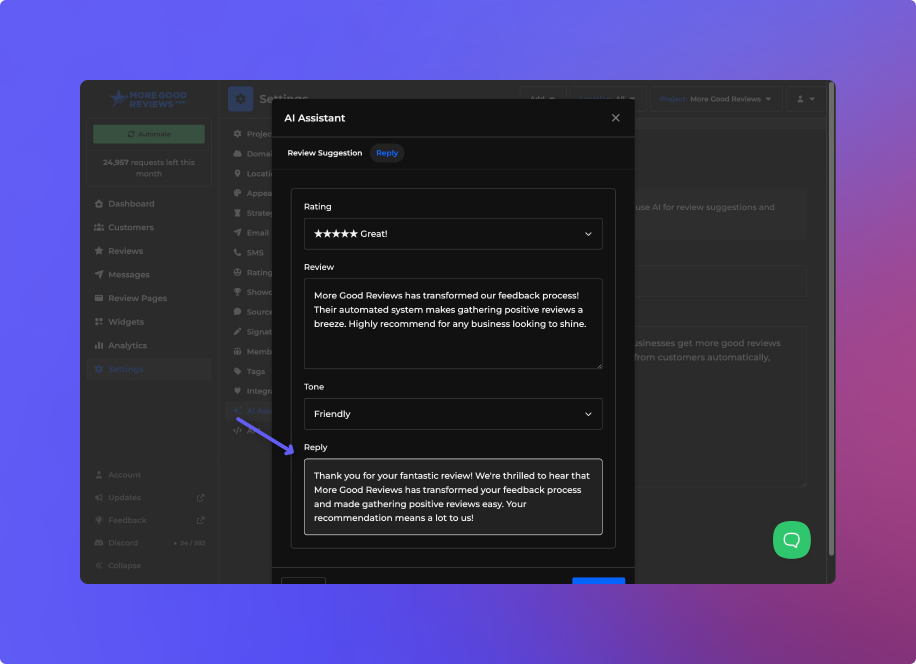
Automatically Reply to Google Reviews
You can now set the More Good Reviews AI Assistant to automatically reply to your Google reviews. This saves time and can boost your search presence by ensuring every customer gets a timely, professional response, increasing engagement, signaling activity to Google, and enhancing your business’s reliability and credibility.
By adding your business support email and/or phone number, the assistant will ask customers to reach you to your support channels if they have a business-related inquiry or the rating is below 4.
We also added a way to test both replies and review suggestions right from the platform so you can see exactly how your assistant will respond. Just click on the Preview buttons.
Once replies have been generated and sent, all members of a project will be notified via email unless they uncheck the notification option for Sent Replies in member settings.
Agencies can update the subject and body of the Reply Sent template in the Email section under Agency settings.
Discord Integration
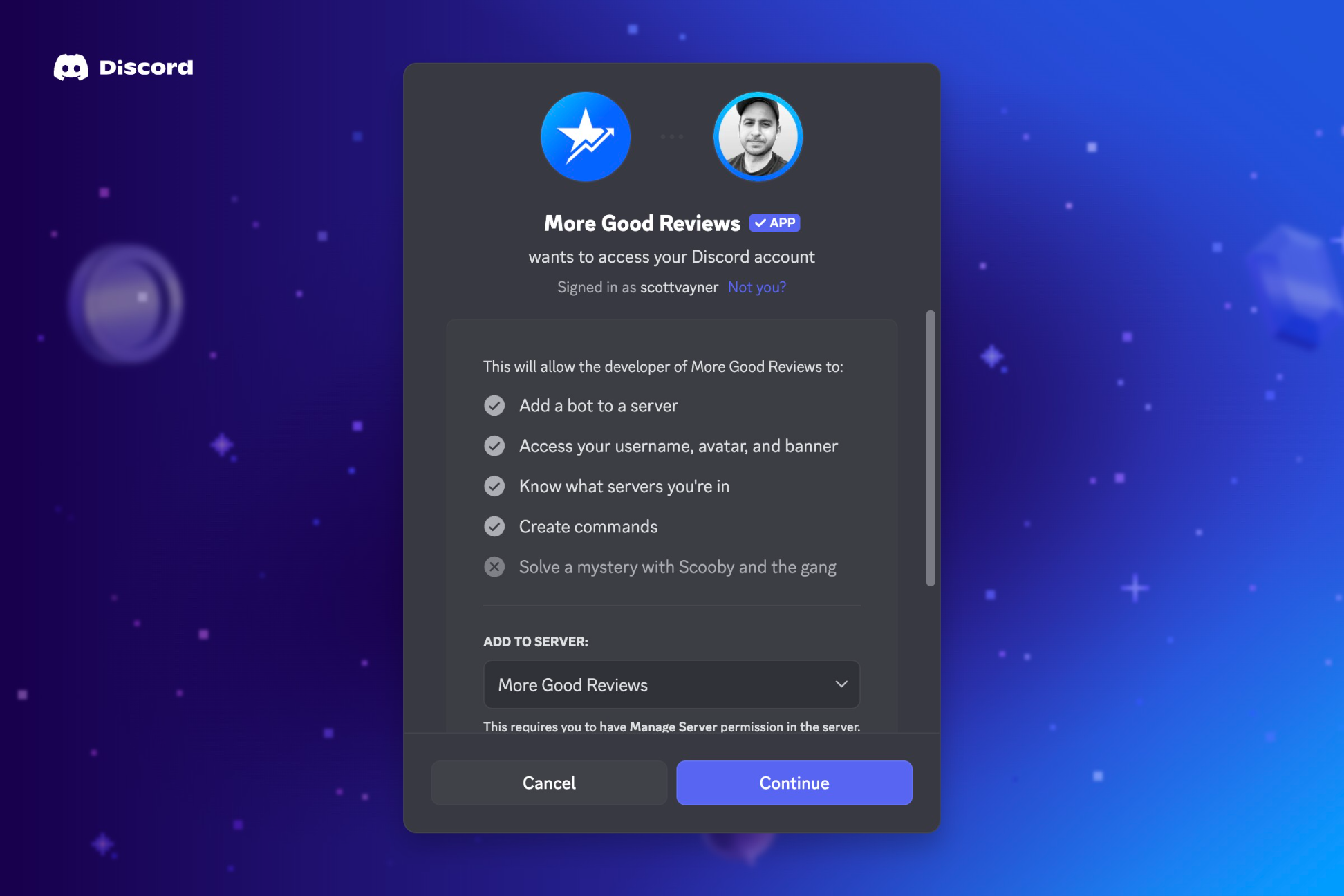
You can now receive notifications for new reviews in Discord, alongside Slack and email. The integration sends an alert whenever a review from a customer listed on the Customers page is submitted to the platform.
Company Names
You can now add a company name to your customers. This can be set manually, in a CSV import, or via the REST API. A company name field can be added to your forms by enabling it on the review page field settings. It can also show up on widgets and the showcase page.
Platform Improvements
AI Overview with Trends - The AI Summary section has been revamped to include both an overall summary and a breakdown of key positive and negative trends in your reviews.
Date Filter - You can now filter customers and reviews by a date range. Click on the calendar icon on the top left of the page to enter a range.
Sort by Reply Date - You can sort your reviews by the date replied. This is useful if you have auto-replies enabled and you’d like to see your recent replies.
Viewer Role (Read-Only) - Members can now have a read-only viewer role if you do not want them to edit any of the project settings.
Faster GMB Sync - The platform now updates Google reviews more often, pulling them four times per day instead of just once.
Left and Centered Layouts - You can now left and center align both email templates and review page layouts. We find the left-aligned layouts are easier to read.
Improved Location Picker - If you are managing multiple locations, and you have location picker enabled on your review pages, the customer will be prompted to select a location BEFORE the form loads.
Maximum Reviews Widget Setting - You can now limit the number of reviews that will appear on the Wall widget altogether, in addition to setting a Reviews per Page value.
Stars-Focused Platform – We redesigned the platform to use stars instead of faces. If you are using faces, they will still appear to customers in emails, review pages, and signatures. Since the reviews themselves display stars, we felt this was a more fitting choice.