We’re live in ChatGPT, plus review page previews, a WordPress plugin, and more
We’ve been shipping steadily since our last update. Here’s what’s new in the product.
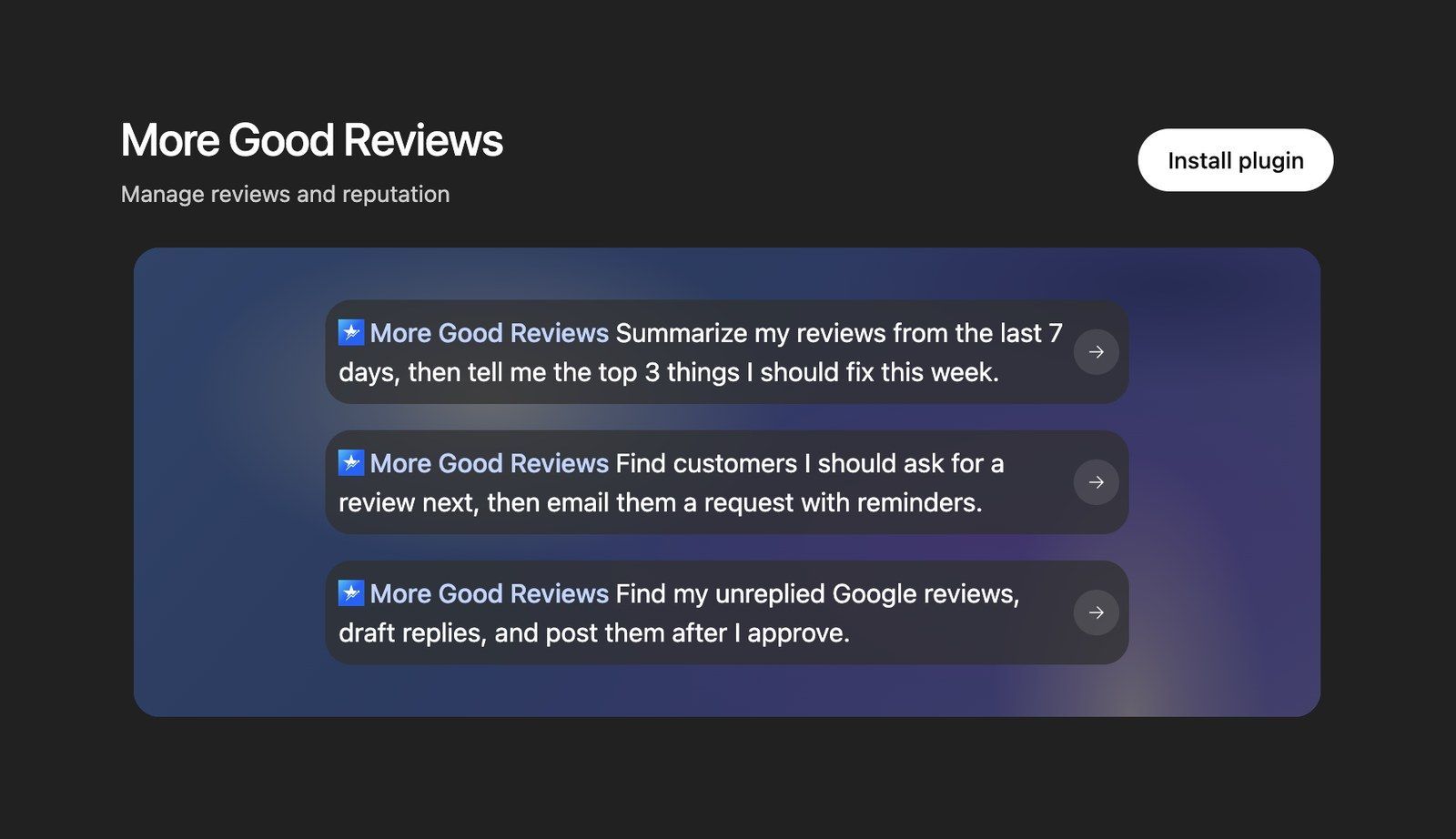
More Good Reviews is now live in ChatGPT
You can now connect your More Good Reviews account to ChatGPT and work with your reviews right from a conversation. Setup takes a minute, and our docs have a new Connect page with step-by-step instructions for ChatGPT, Claude, and Gemini.
Preview your review pages before customers see them
Review pages now have a built-in preview. Click through it just like a customer would. Anything you submit in the preview isn’t saved, so you can test freely. The editor opens on Preview, with an Edit and Preview toggle in the top bar. We also renamed the Fields section to Feedback Form, and moved AI Review Suggestions into it. To see your kiosk page, open the Actions menu on the Review Pages list and choose View Kiosk Page.
Add your widget to WordPress in a few clicks
On any widget, open Actions, choose Embed Code, and switch to the new WordPress tab. Download the plugin, which comes already set up for your account, install it, and paste a shortcode wherever you want the widget to show. It works with the block editor, Elementor, Avada, and other page builders. You can also put more than one widget on the same page now.
Do more from the API and your AI assistant
We expanded what you can do outside the dashboard, through our API and the connection to ChatGPT, Claude, and other assistants:
Update a project’s general settings
Update a project’s branding, including its logo and icon
Change your project’s appearance settings
See a list of a project’s widgets
Update a customer’s contact details, and filter your customer list by phone number
Adding a customer now also matches an existing one by phone number when the email doesn’t match, so you don’t end up with duplicates.
Turn public replies off for individual locations
Edit a location and you’ll find a new Public Replies setting. When it’s off, reviews still come in as usual, but the reply box and AI reply button are hidden for that location. You can still mark a review as replied. Handy when a location’s reviews are handled somewhere else.
Give each location its own AI instructions
If you have more than one location, you can now write extra guidance for the AI that applies to just one of them. Go to Settings → AI Tools, open Review Suggestions or Replies, pick a location, and add your instructions. They sit on top of your main custom instructions, so one location can mention its own services or neighborhood while the rest stay the same. The Preview button lets you choose a location too, so you can see the result before customers do.
QR codes that never lead to a dead page
You can now add a Fallback URL to any QR code. If your project is ever suspended or deleted, scans open that link instead of an error. Otherwise they work exactly as before. Add one when you create or edit a code under Review Pages → QR Code. QR codes downloaded after Oct 8, 2026 pick up changes automatically.
Also shipped
Private notes on each location, just for your team
Search your locations in Settings, so finding one is quick when you manage a lot of them
The project and location menus are now searchable when you have a lot of them
Dropdown custom fields on your Feedback Form, so customers can pick one option from a list you set
Hover over a review in your Reviews list to read the full text
Norwegian is now available as both Bokmål and Nynorsk
Agencies can turn SMS on or off for each project
Questions or feedback? Just reply to this email. We read every one.
Thanks for being a customer,
The More Good Reviews team